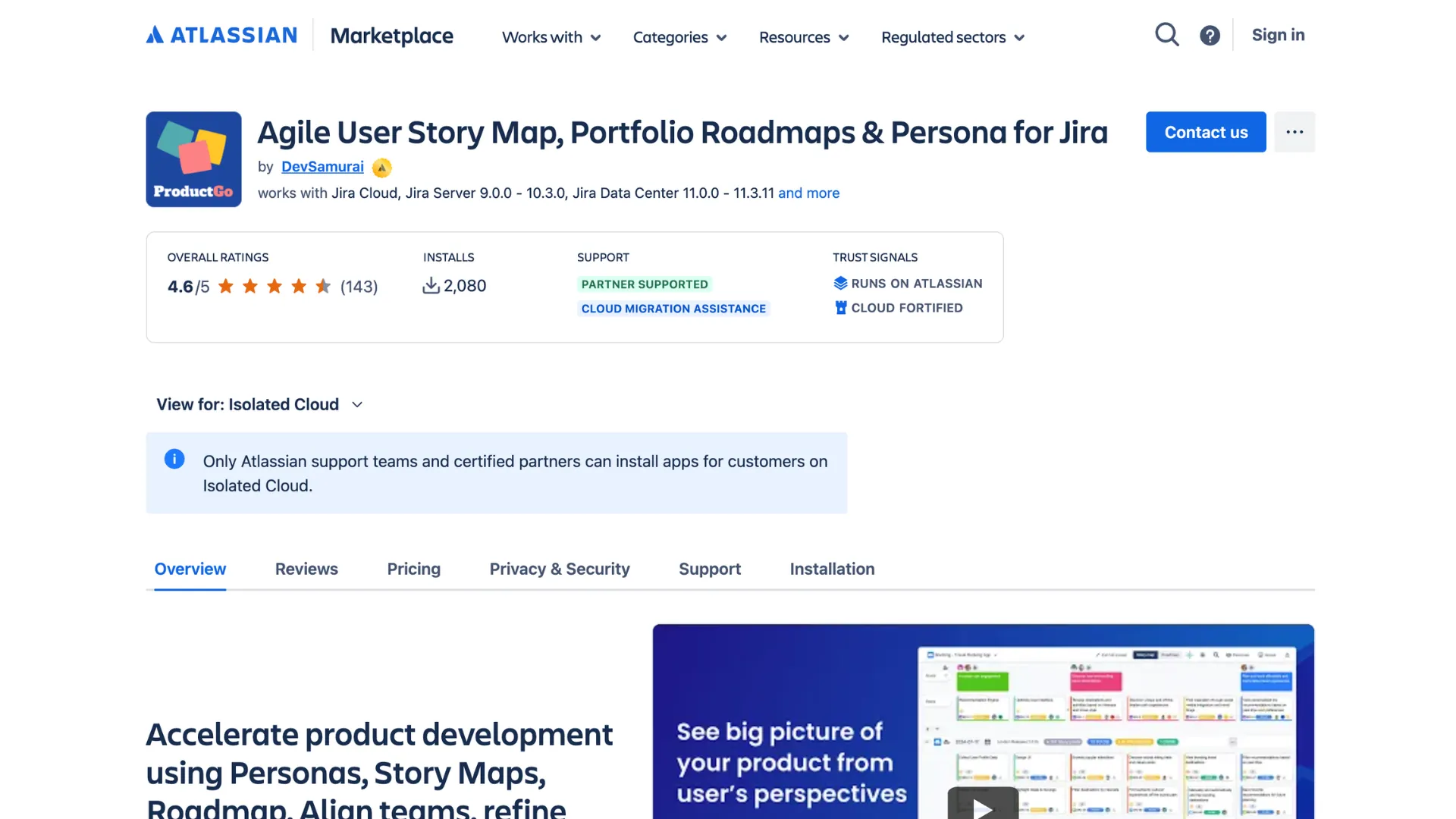
ProductGo is now available across three environments: Atlassian Data Center, Commercial Cloud, and Isolated Cloud. The core experience is largely consistent between them, although several capabilities vary depending on where you run it.
We could simply let you discover those differences after choosing an environment. Instead, we want to make them clear upfront. If you’re preparing for a migration, particularly one that involves leaving Data Center, knowing what will change beforehand makes planning much easier.
So here’s the honest breakdown: what works differently, what stays intact, and why those differences exist.
First, why anything is different at all
Most of the differences come down to two things.
The first is the underlying platform. Data Center is based on an older, self-hosted foundation. Some capabilities introduced later as cloud-first features were never added to the Data Center version.
The second is security. ProductGo for Isolated Cloud is built with Atlassian Forge and carries the “Runs on Atlassian” badge. It operates within your secure environment, with data blocked from leaving that boundary by default. As a result, any capability that depends on sending information outside the environment cannot operate in the same way.
Sometimes, both factors affect the same feature. Take AI-generated story maps as an example. Data Center does not have the capability because it was introduced as a newer cloud feature. Isolated Cloud also does not support it, but for a different reason: the feature communicates with an external AI service.
Our approach is straightforward. If a feature requires crossing the security boundary, we won’t work around that boundary just to make the feature available. The isolation exists for a reason.
The differences at a glance
Most ProductGo capabilities are available across all three environments. The table below focuses on the areas where you will see meaningful differences.
|
Area |
Data Center |
Commercial Cloud |
Isolated Cloud |
|---|---|---|---|
|
Core planning: story maps, roadmaps, personas |
Available |
Available |
Available |
|
Advanced Kanban |
Not available |
Available (Advanced Edition) |
Not available yet |
|
Share story map board (public / Confluence macro) |
Not available |
Available |
Not available |
|
AI-generated story maps |
Not available |
Available |
Not available |
|
Custom persona avatars & image upload |
Available |
Available |
Predefined avatars only |
What each difference actually means
Let’s walk through them, because “not available” always sounds scarier than it turns out to be.
Core planning
The main ProductGo experience remains available regardless of the environment. Story maps, roadmaps, personas, and the portfolio boards are supported across all three versions. The planning capabilities your team uses every day therefore remain largely consistent.
Sharing a story map board
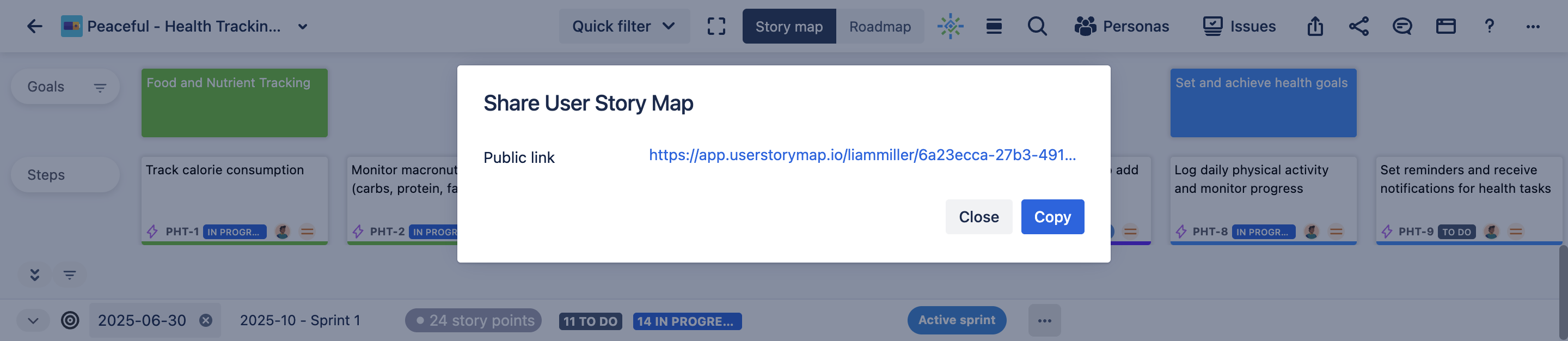
Commercial Cloud supports both public and Confluence-macro sharing. Data Center does not offer this capability, while Isolated Cloud disables it because sharing a board externally would move information outside the secure environment. The result is the same, but the reason differs between the two versions.
AI-generated story maps
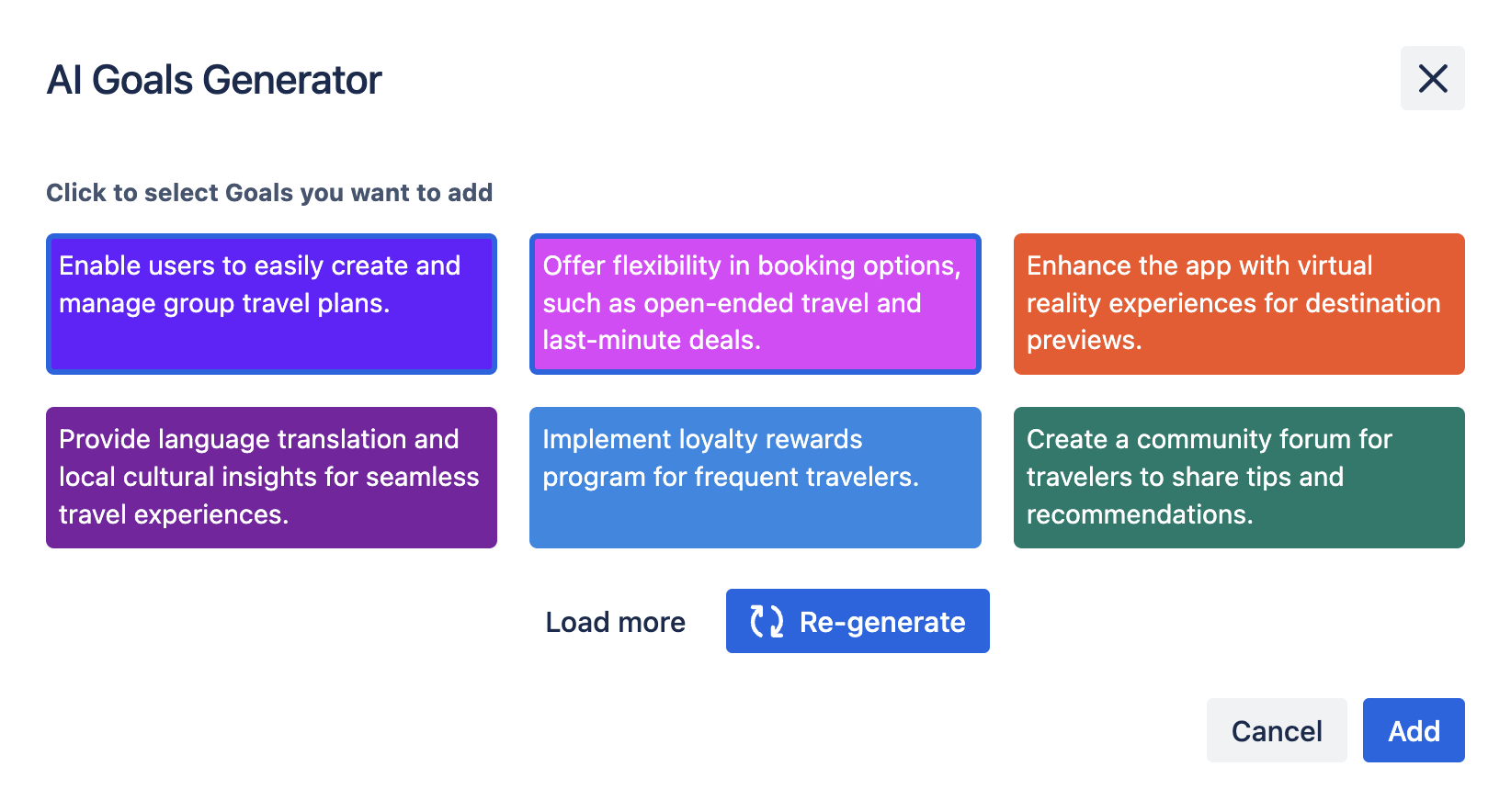
Commercial Cloud is currently the only version supporting this capability. Data Center does not have it because AI-generated story maps were introduced as a newer cloud feature. Isolated Cloud does not support it because generating the content requires communication with an external AI service.
Personas
Persona functionality remains available across all three environments. The difference is limited to avatars in Isolated Cloud. Instead of uploading a custom image, you select from predefined avatars. External image uploads would require data to cross the environment boundary, so that option is unavailable there.
Kanban
Commercial Cloud provides Kanban in the Advanced Edition. It is not available yet in Isolated Cloud. If Kanban is an important part of your team’s workflow, this is something to account for before choosing or migrating to the isolated environment.
What stays exactly the same
Seeing several differences listed together can make the three versions seem more distinct than they actually are. The central ProductGo experience is consistent across them.
Your team can use:
- Visual user story mapping, including the goal layer over Jira epics.
- Product roadmaps, milestones, and dependencies.
- Detailed personas for keeping planning centered on real users.
- The portfolio board for planning across projects.
The differences mainly affect capabilities that interact with the outside world. The fundamental planning functionality remains available regardless of the environment.
The difference that actually matters: infrastructure
Looking at the comparison table, one thing becomes clear: the feature differences are relatively limited. That may lead to a natural question: if the capabilities are mostly similar, why would an organization choose Isolated Cloud?
The answer is not the feature list.
The real difference is the infrastructure model behind the application: where it runs, how data is handled, and who controls the environment.
|
Under the hood |
Data Center |
Commercial Cloud |
Isolated Cloud |
|---|---|---|---|
|
Who runs it |
You, on your own servers |
Atlassian |
Atlassian |
|
Tenancy |
Single organization, self-hosted |
Multi-tenant, shared and logically separated |
Single-tenant, dedicated to you |
|
Where your data lives |
Your own infrastructure |
Atlassian’s shared cloud |
Your own dedicated environment |
|
Data leaving the environment |
You control it |
Standard controls |
Blocked by default |
|
Encryption keys |
Fully yours to manage |
Optional customer-managed keys (Enterprise) |
Customer-managed keys built in |
|
Upkeep and scaling |
Your team’s job |
Handled by Atlassian |
Handled by Atlassian |
Read it top to bottom and the pattern is clear. Data Center gives you isolation, but you pay for it in upkeep. Commercial Cloud lifts that burden, but your data lives in a shared environment.
Isolated Cloud gives you both: a dedicated, single-tenant environment with your data sealed inside and your own encryption keys, while Atlassian still runs the servers and scaling. It’s the isolation people used to self-host Data Center for, delivered as a managed service. Not “more features,” but “the same control you had on-premises, without the on-premises workload.”
→ Read more: Atlassian Isolated Cloud vs Commercial Cloud
So which ProductGo version is right for you?
The answer depends on both your current environment and the reason you’re using it.
For teams currently on Data Center, the larger decision is likely the upcoming Atlassian 2029 end-of-life deadline rather than ProductGo itself. The transition can also bring additional capabilities depending on your destination. Moving to Commercial Cloud, for example, gives you access to features such as AI-generated story maps and board sharing that are not available in Data Center.
Commercial Cloud provides the broadest ProductGo feature set, including AI and external sharing. If those capabilities are important to your team, there is no equivalent restriction to account for.
Isolated Cloud involves a different trade-off. You give up certain outbound capabilities in exchange for keeping your planning data within the isolated environment. For organizations that selected Isolated Cloud because of its security and data-boundary requirements, that is likely an intentional trade.
Before migrating, make a simple inventory of the ProductGo capabilities your team uses regularly. Compare that list with the table above and then check the version you’re planning to use. If all of your essential capabilities are supported, the transition should be relatively straightforward.
Where this goes next
Isolated Cloud is the newest of the three ProductGo environments, and its capabilities are continuing to develop. As more functionality becomes available within the isolated boundary, the gap between Isolated Cloud and Commercial Cloud should become smaller. We’ll keep this comparison updated as the product evolves.
We’d rather give teams a clear picture of the current experience than present an idealized version of the product. Knowing where the limitations are makes it easier to plan around them.
If you’re unsure whether the ProductGo features your team depends on are supported in your target environment, reach out to us. We’re happy to review your requirements and help you understand what the move will look like.