

TeamBoard ProScheduler for Jira
A comprehensive project-management and resource-planning tool with clear visibility into resources, centralized portfolio management, and complex projects simplified with Gantt charts.
What sets ProScheduler apart
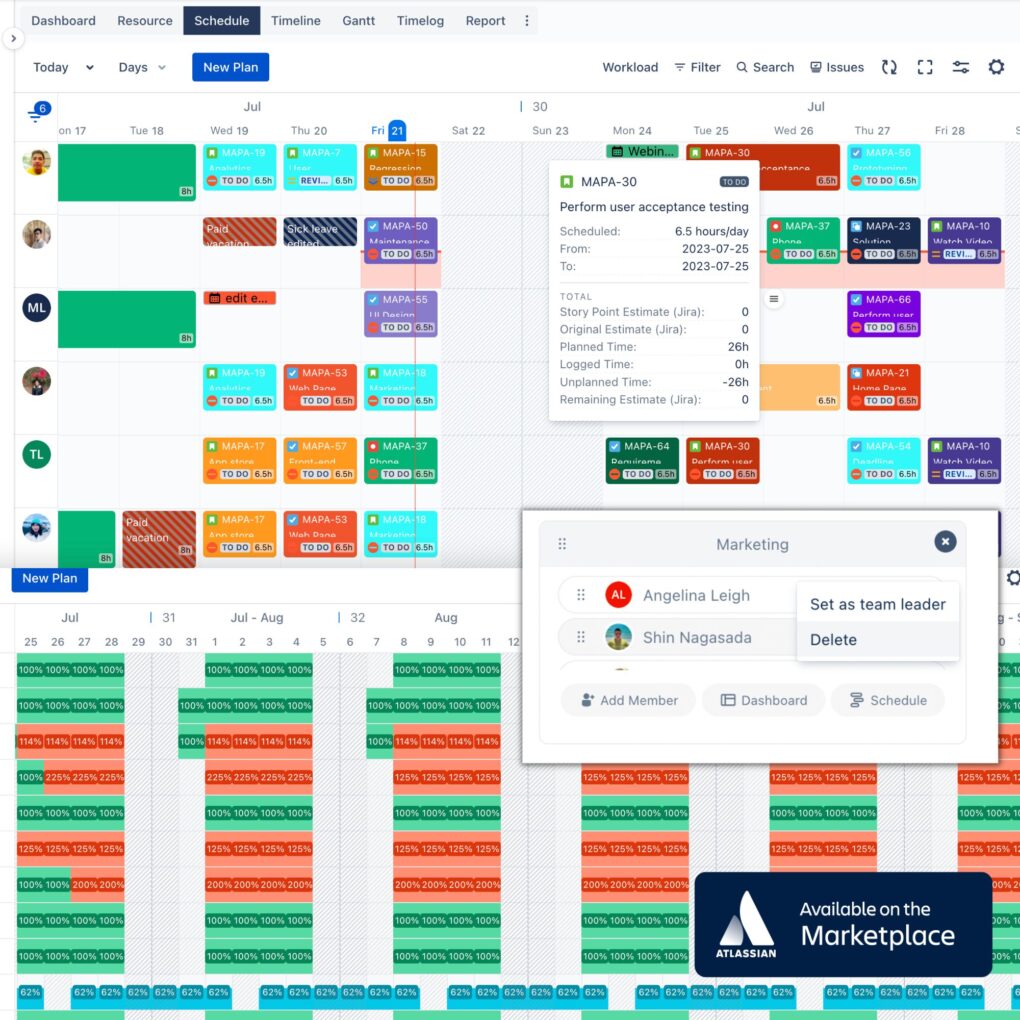
Drag-and-drop scheduling and workload heat maps show who’s free and who’s overloaded at a glance.
Manage multiple projects, allocation, and progress from one centralized board.
WBS, critical path, baselines, and auto-scheduling keep complex plans on track.
Discover our Features
Our intuitive drag-and-drop interface enables easy task assignment and rescheduling, while accurate time tracking ensures optimum resource utilization.
Key Features:
- Comprehensive project view for informed decision-making.
- Easy task scheduling and assignment to multiple assignees.
- Accurate time tracking for optimal resource scheduling.
- Flexibility to plan in hours, days, weeks, or months.
- Portfolios: Manage multiple projects, resource allocation, and progress.
Gantt Chart, Timeline for Jira
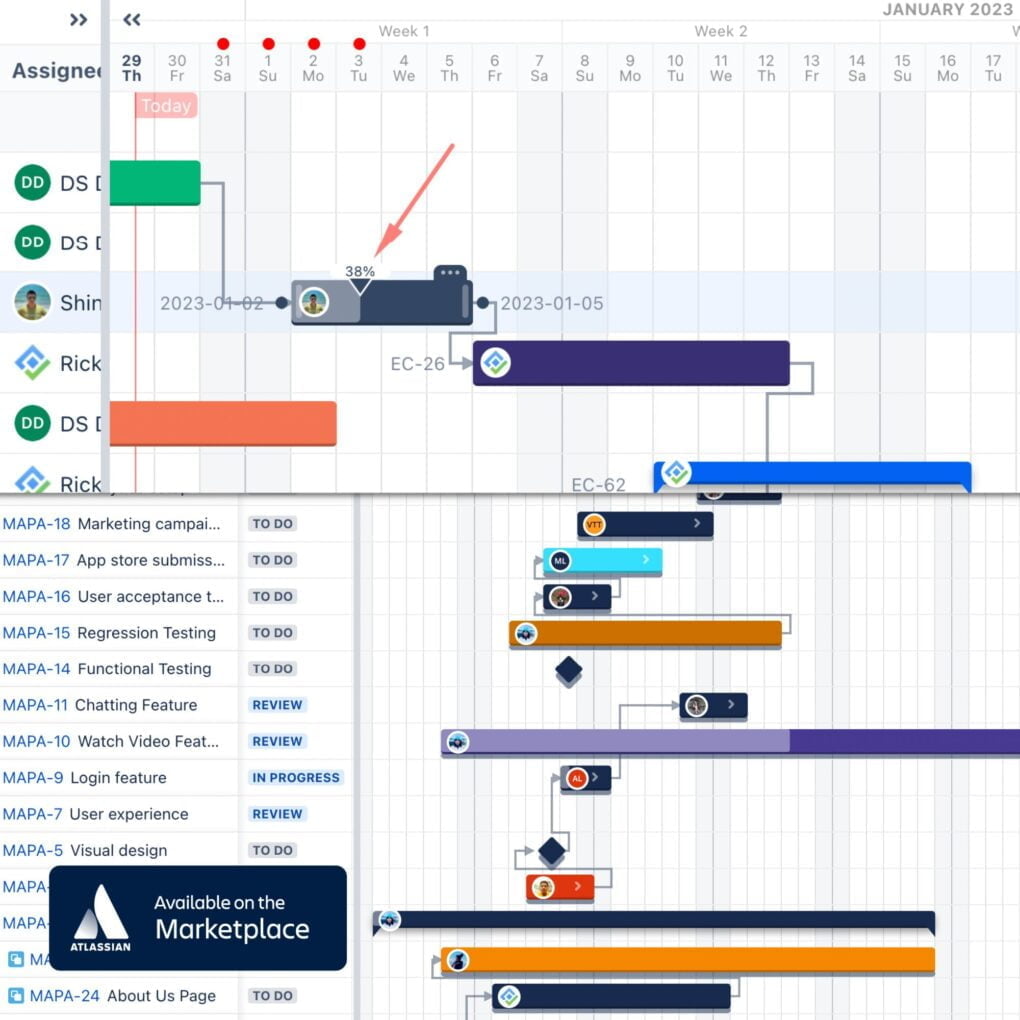
Our Gantt Chart tool simplifies project portfolio management:
- Work Breakdown Structure (WBS): Easily organize tasks and sub-tasks for a clear project overview.
- Gantt Chart: Visualize project timeline, task durations, and progress.
- Timeline: Track the sequence of tasks for better planning.
- Roadmap: Outline your project’s strategic direction and key deliverables.
- Milestones: Highlight key events to track progress and motivate the team.
- Baseline: Monitor deviations from your project plan effectively.
- Critical Path: Prioritize tasks that directly impact project duration.
- Auto Scheduling: Automate schedule adjustments based on task dependencies and resource availability.
Time tracking, Dashboard & Report
TeamBoard ProScheduler offers:
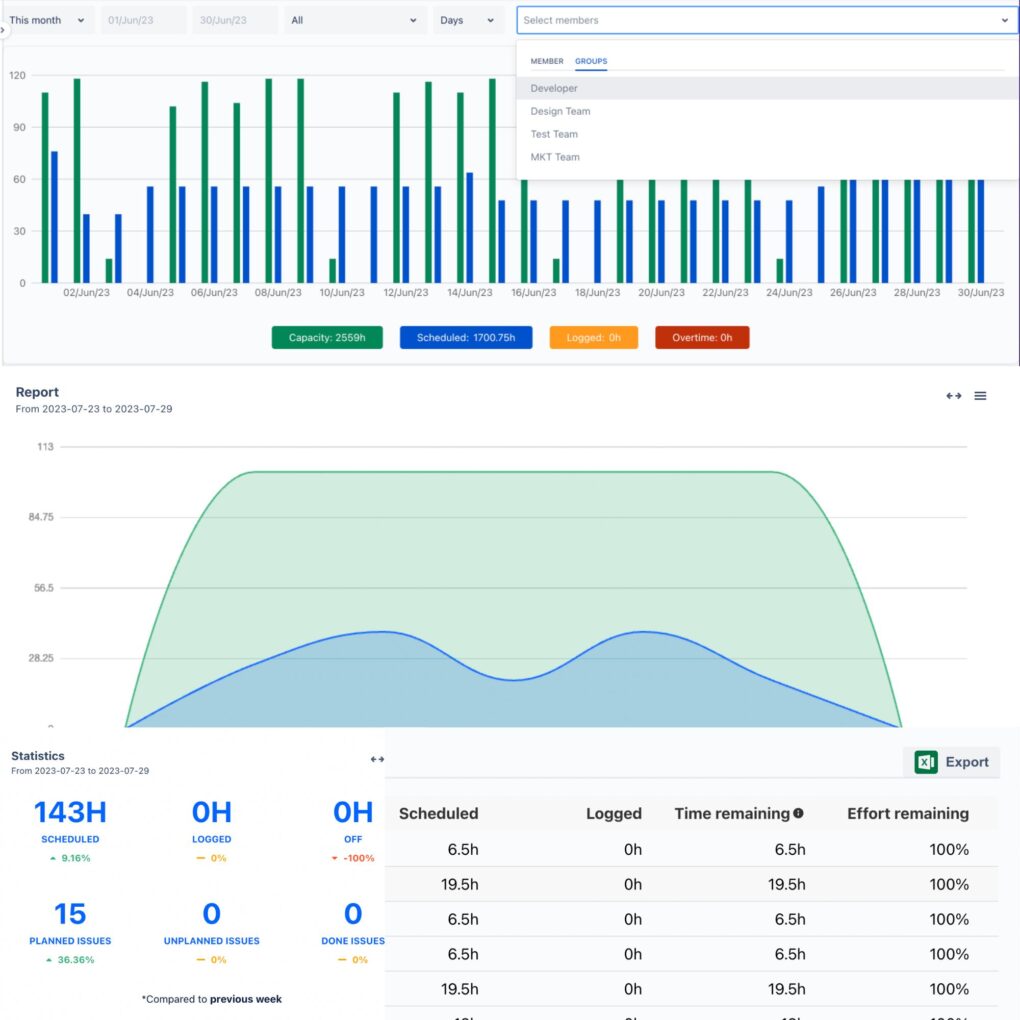
- Time Tracking: Accurate tracking of time spent on tasks for optimized resource use.
- Project Dashboard: Real-time snapshots of project progress, deadlines, and milestones.
- Portfolio Dashboard: Centralized management of multiple projects and resources.
- Interactive Time Reports: Visualize and analyze time data for informed decision-making.
- Process Adaptability: Compatibility with Agile, SAFE, Hybrid, and other processes.
- Risk Log & Report: Identify, track, and mitigate project risks effectively.
Frequently Asked Questions
Workload with heat map, each color will tell you your planned tasks compared to working capacity.
Program in ProScheduler will meet this requirement, one program includes multiple projects and provides a detailed report for each project in the report tab.
If you continue to use on the same instance, the data are still available
Found details on this page
ProScheduler is focused on resource planning and project management, whereas TimePlanner is focused on team management and capacity planning. Read this Blog for more detail
Manage Work, Resources, and Time for Every Team in Jira
30-day free trial. Always free for teams under 10 users.